Choose a publisher recipe
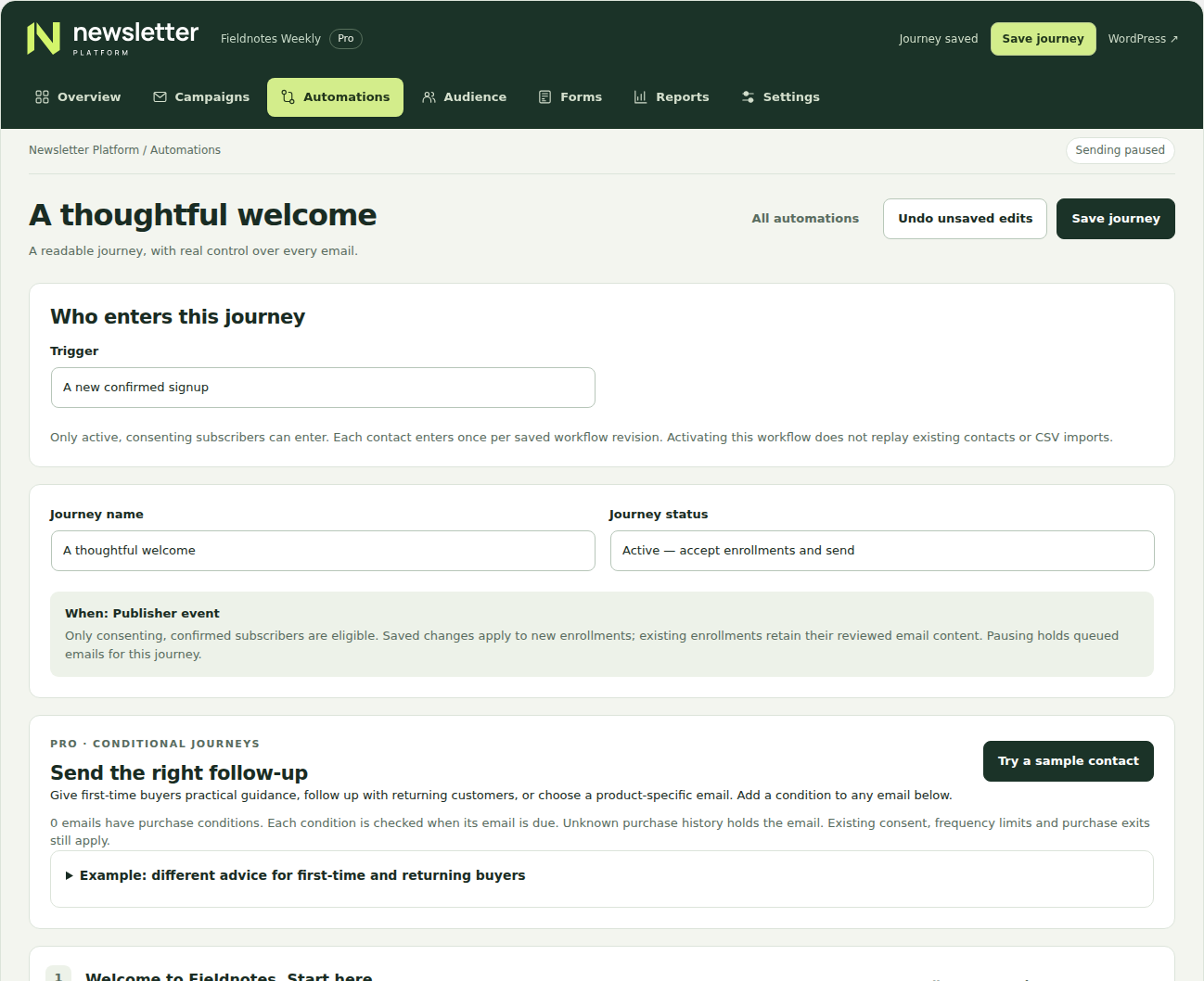
In Automations, choose a publisher recipe and keep it in Draft. Under Who enters this journey, select a new confirmed signup, a signup from an exact source, an added tag, an explicitly chosen topic or days after a new confirmation. Purchase-based recipes remain separate.
Make the trigger specific
For a source, use the exact source stored on the subscriber. For a tag, the event is adding that tag. For a topic, the subscriber must explicitly choose it; the default all-topics preference does not trigger topic enrollment. For time, choose 0–3,650 days after confirmation.
For example, an “Events” topic journey can send a helpful introduction when a subscriber chooses that topic. It should deliver what the preference page promises, not restart a general sales sequence.
Review and activate future enrollment
Edit and test every message and delay, then have an authorized sender activate the reviewed workflow. Only active consenting subscribers enter. Activation does not replay historical contacts or CSV imports. A contact enters once per workflow and reviewed revision; changing a frequency preference alone does not repeatedly enroll them.
Timed triggers consider confirmations after activation. Scans inspect at most 200 active contacts per hourly check across at most 100 active publisher rules, so large lists and host scheduling can delay the check.
Inspect captured events and retries
The durable trigger inbox retains captured events for retry. In Automation trigger retries, inspect recent unfinished events and queue a retry only after understanding the failure. Current consent and captured workflow rules are checked again; changed rules do not silently rewrite old events.
A database outage before an event is recorded cannot be recovered from a nonexistent receipt. Pausing the journey and resolving uncertain message deliveries are separate from retrying a trigger.