Saved audience segments
Combine tags, signup source and supported purchase rules with AND/OR logic. Applying a segment saves its reviewed snapshot; later library edits do not silently change that campaign.
Build a saved segment ↗NewsletterPlatform.com Pro
Save useful audiences, build thoughtful follow-ups and give your team a clear review process. Plus 72 designs with a personality of their own.
Publisher & service workflows
Start a reviewed workflow after a confirmed signup, an exact signup source, a newly added tag, an explicit topic choice or time since confirmation.
Active consent still comes first. Turning on a workflow does not replay your historical audience.
Explore workflow triggers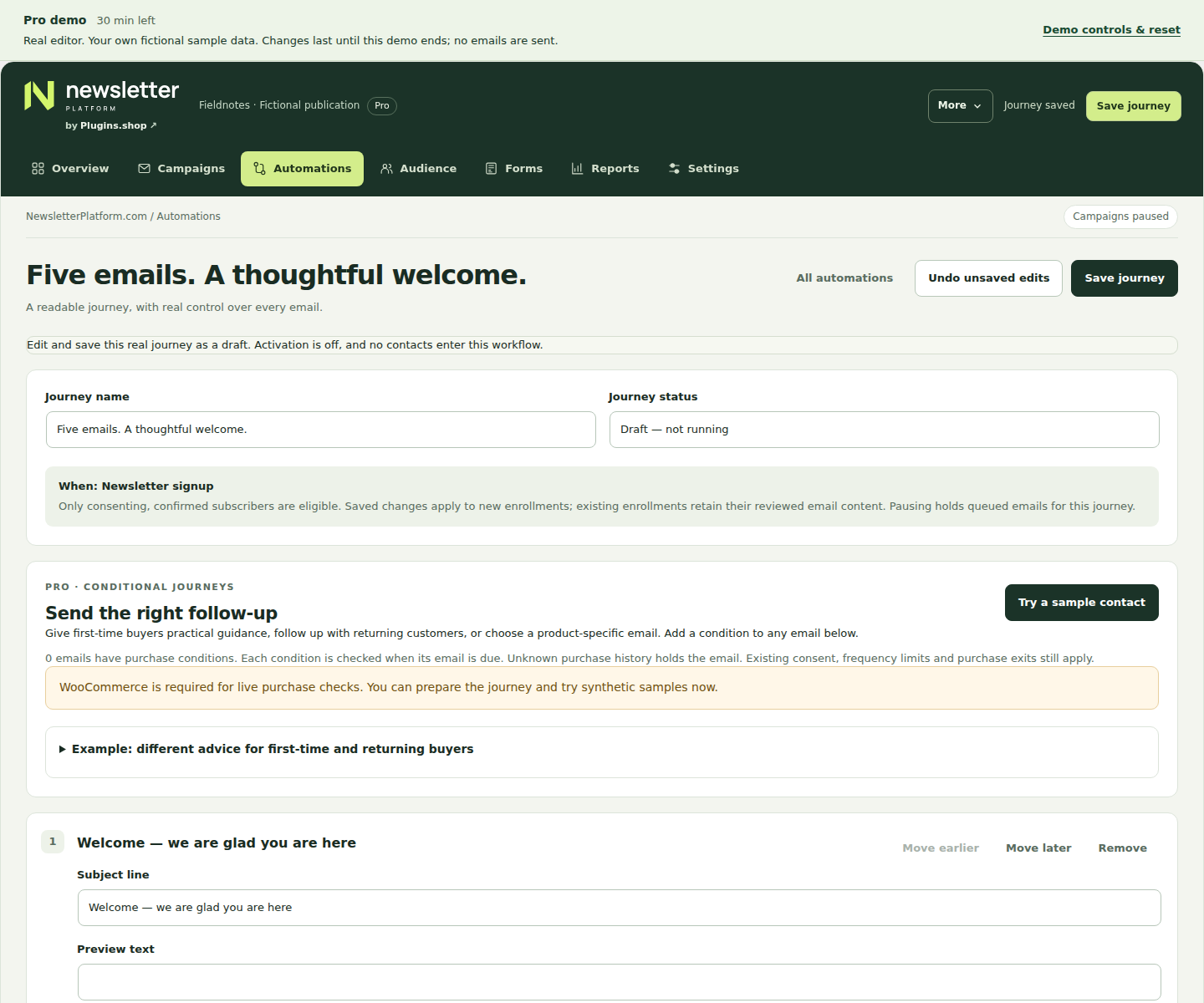
Use information you can explain, and review it before your campaign reaches anyone.
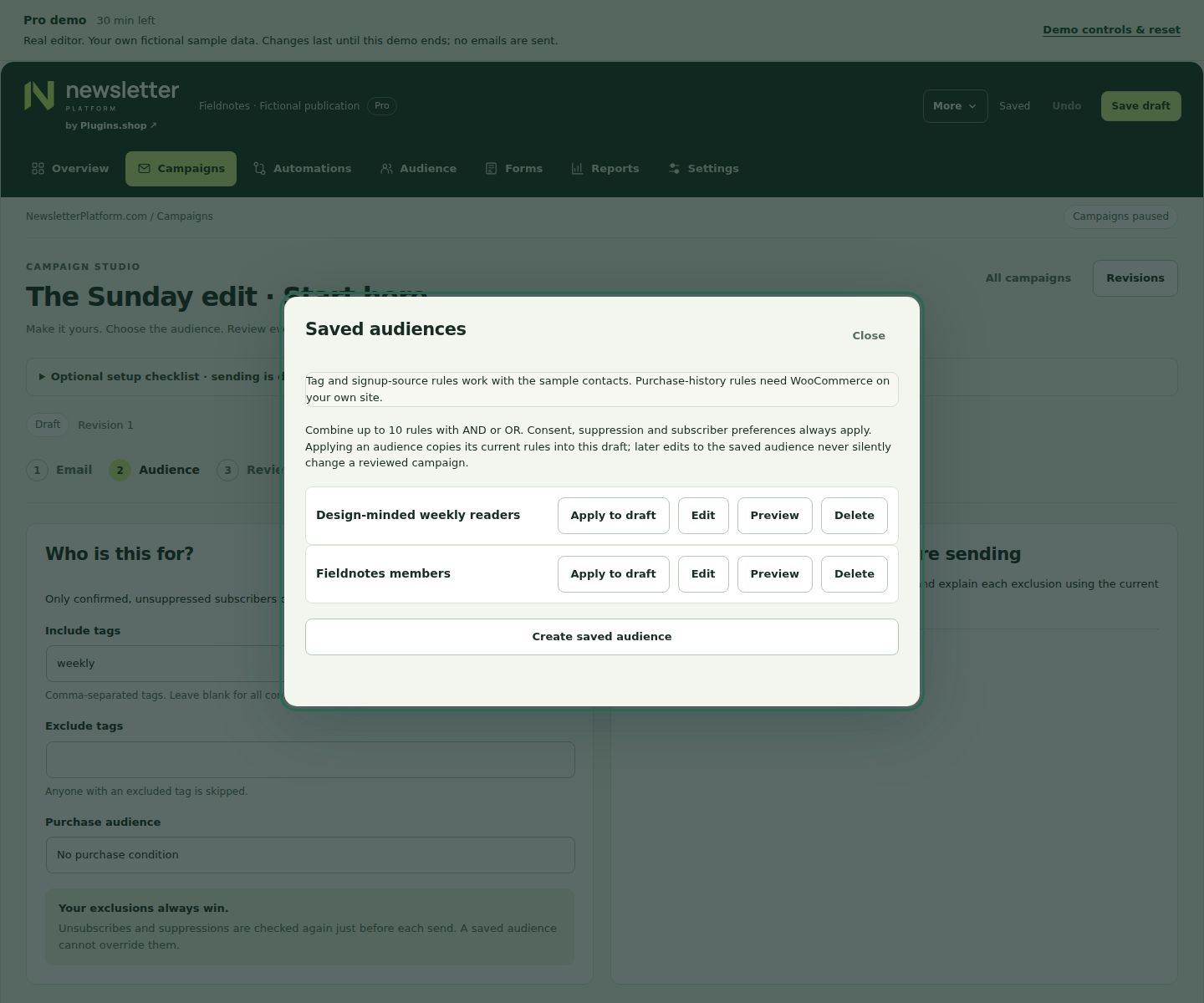
Combine tags, signup source and supported purchase rules with AND/OR logic. Applying a segment saves its reviewed snapshot; later library edits do not silently change that campaign.
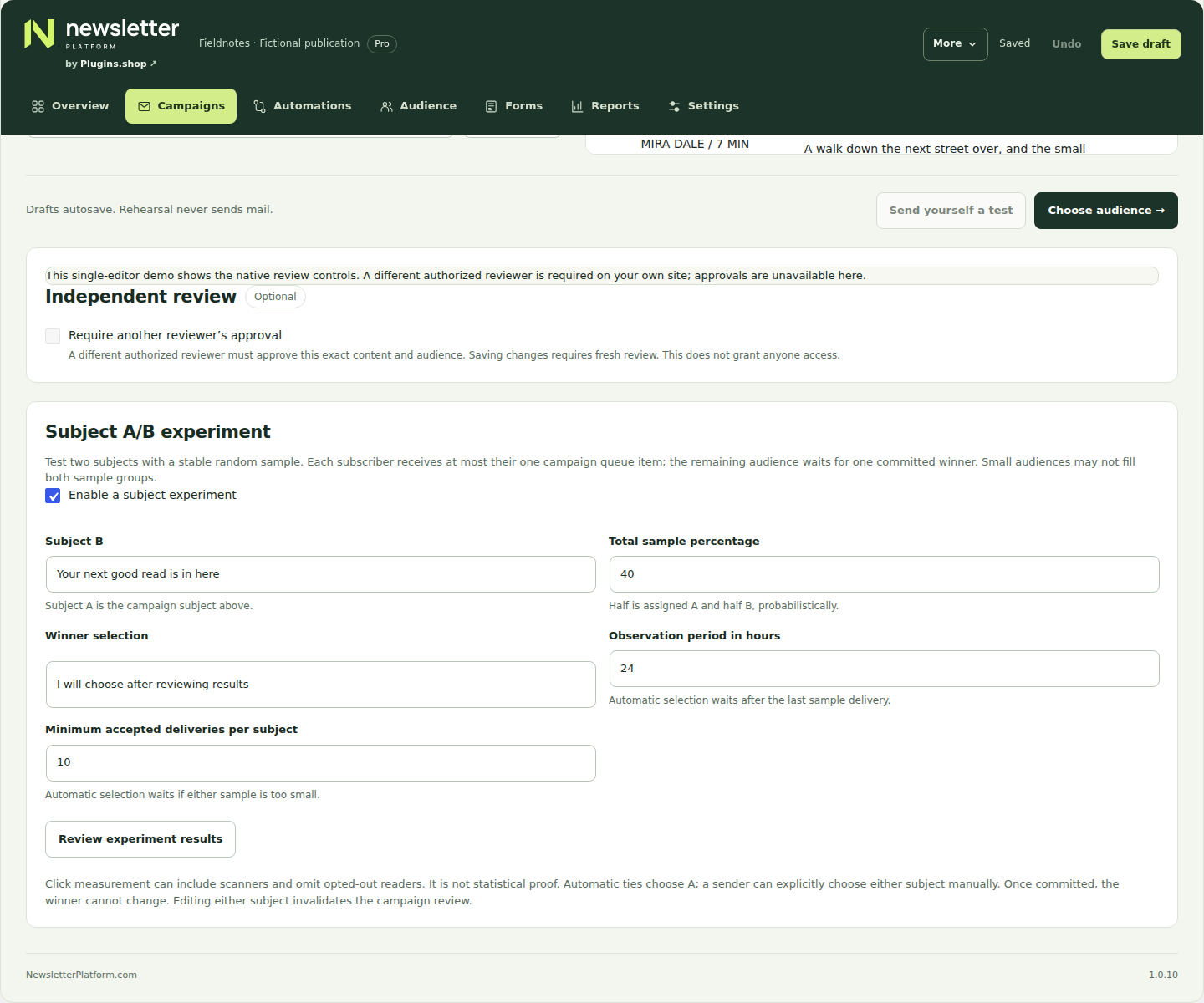
Build a saved segment ↗Hold the remaining audience while you compare two subjects. Commit a winner manually or use the configured observed-click rule. Clicks may include scanners; this is not a statistical-significance claim.
Understand subject testing ↗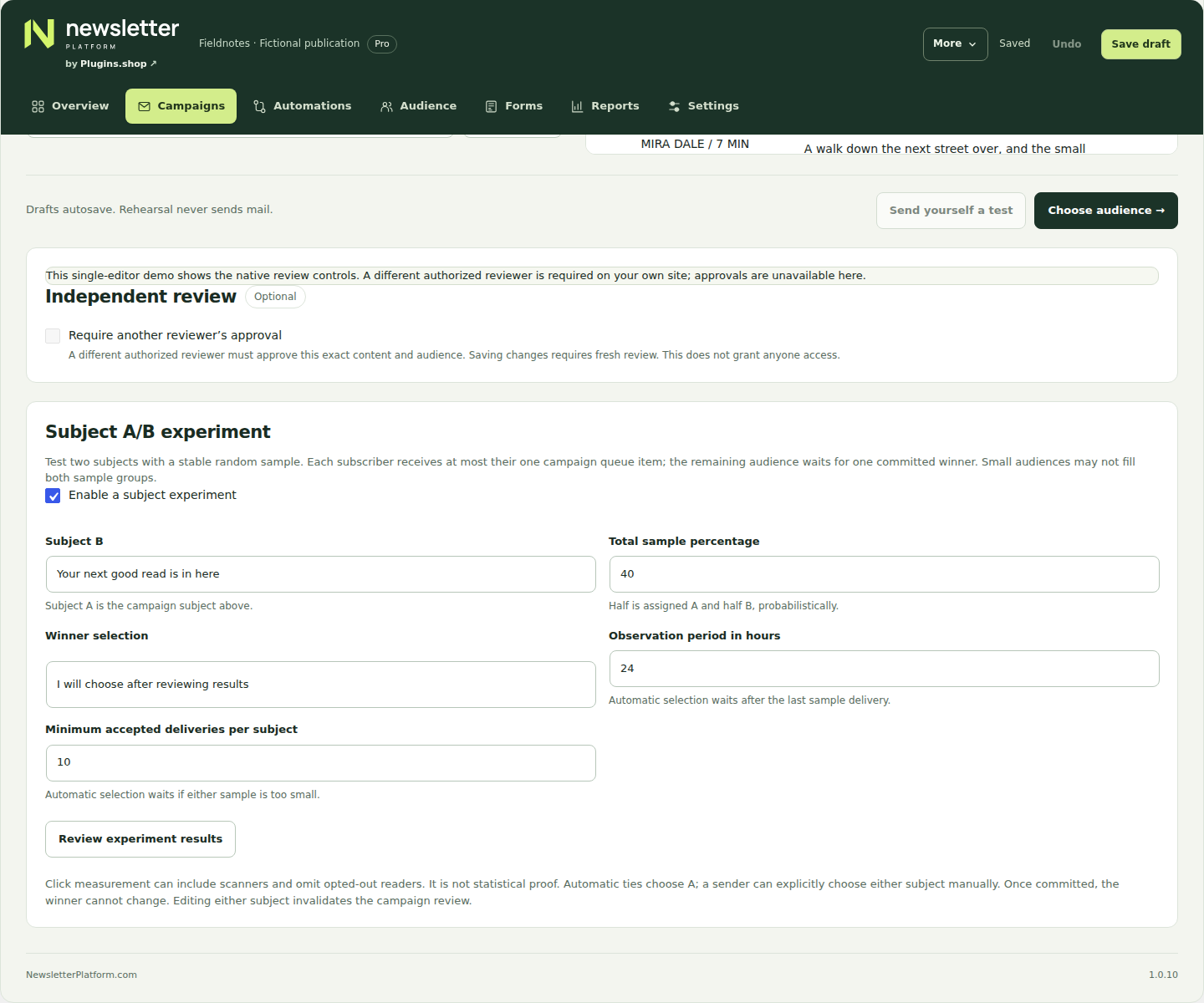
A team, with clear responsibilities
Give writers, senders and reviewers the access their work needs. A different authorized reviewer can approve the exact saved campaign, without receiving editing or sending permissions.
Changing the content, audience or sender requires a fresh review. Roles do not create client accounts or invite users for you.
Set up independent reviewKeep drafts as the default. Turn on more automation only after reviewing what it will do.
Prepare recurring WordPress digests as drafts, or separately authorize future sends under reviewed rules. Required independent approval keeps every edition a draft.
Review digest rulesUse supported purchase conditions and second-purchase, replenishment or win-back workflows. Unknown history holds a message rather than guessing.
Explore purchase follow-upsInspect journeys and qualifying WooCommerce order matches by currency. Attribution needs the same signed-in customer; it does not prove additional revenue.
Read the reporting guide72 editable designs across eight collections. Finished example brands, useful compositions and imagery chosen for the subject.
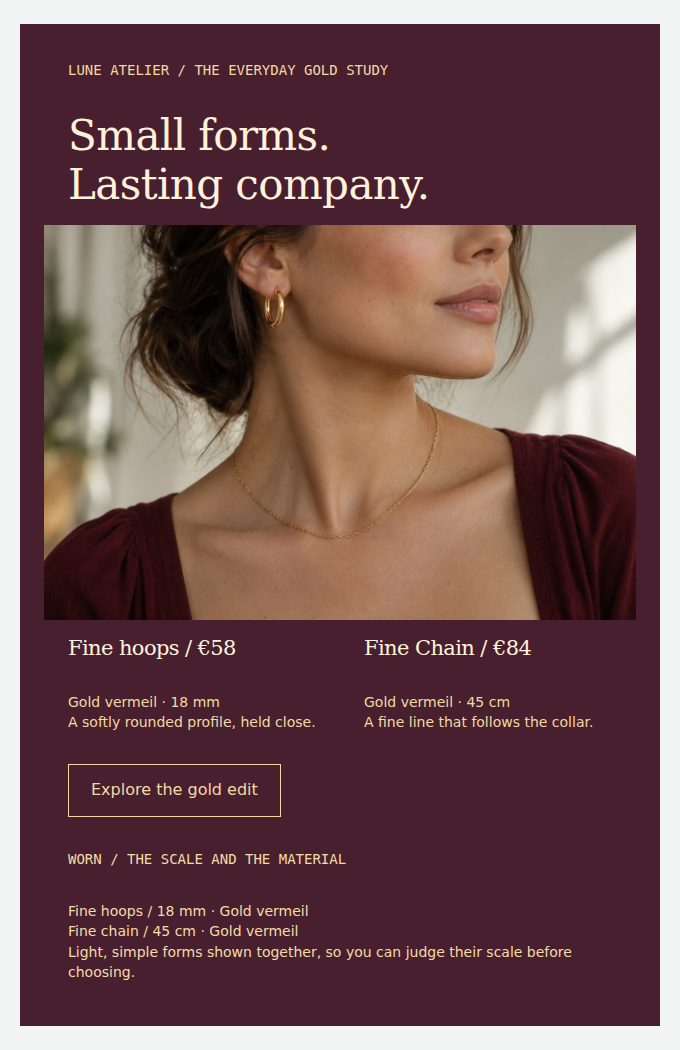 View full design
Give jewellery a rich visual setting with close details and photography showing how it is worn.
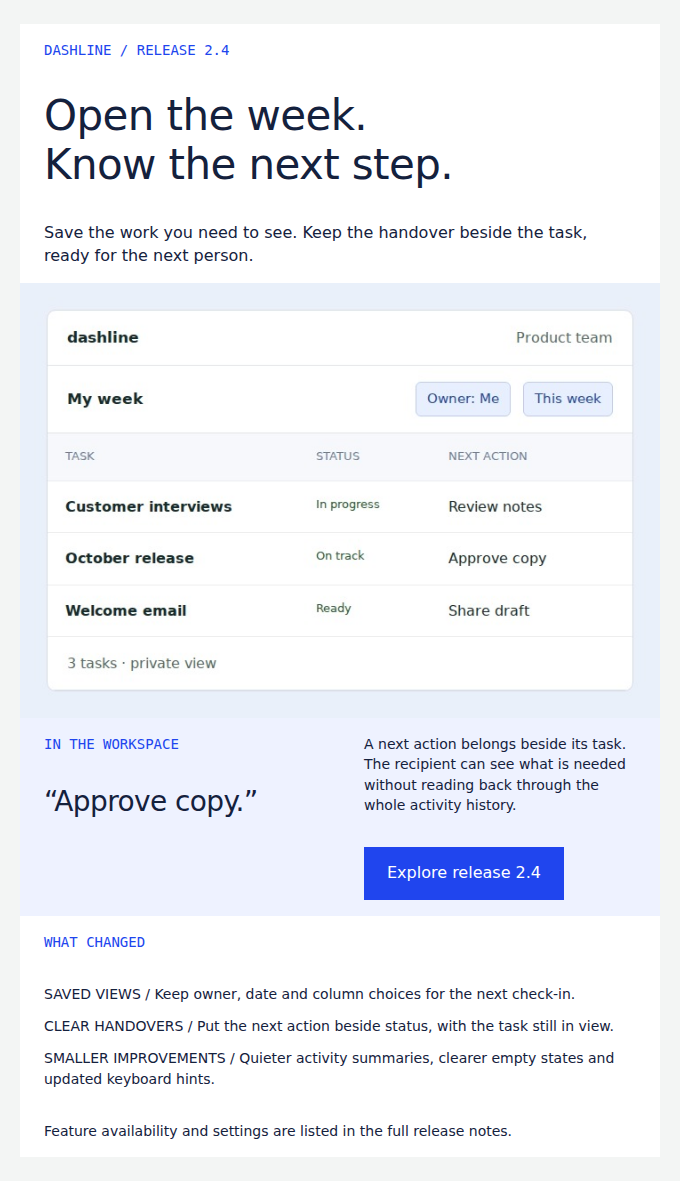 View full design
Show a concrete product change, explain why it helps and point readers to the next action.
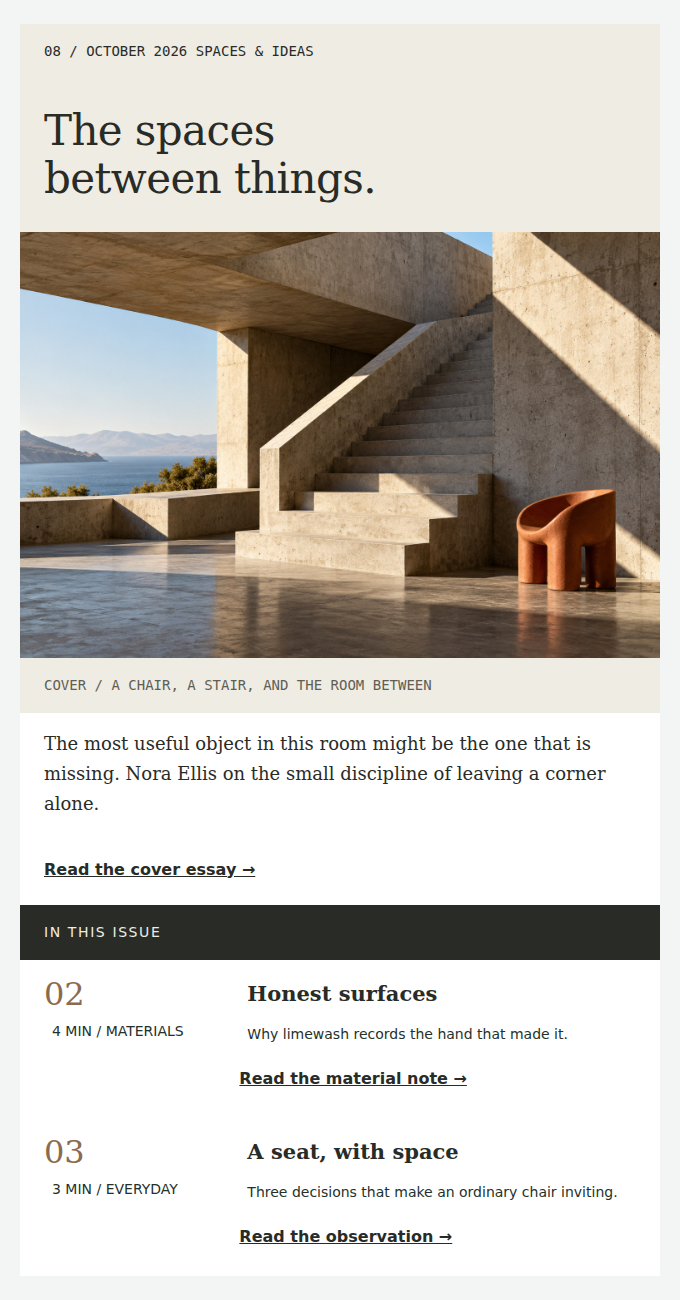 View full design
Lead with one substantial story, then give readers two shorter reasons to keep reading.
Save your own sections and designs, and move authored designs between sites with portable kits.
Pro is a separate companion to the Free core. Your local Pro features do not require an update token. Annual plans currently use protected manual package downloads; an optional signed updater needs a separately configured publisher connection.
Read the update and migration guide