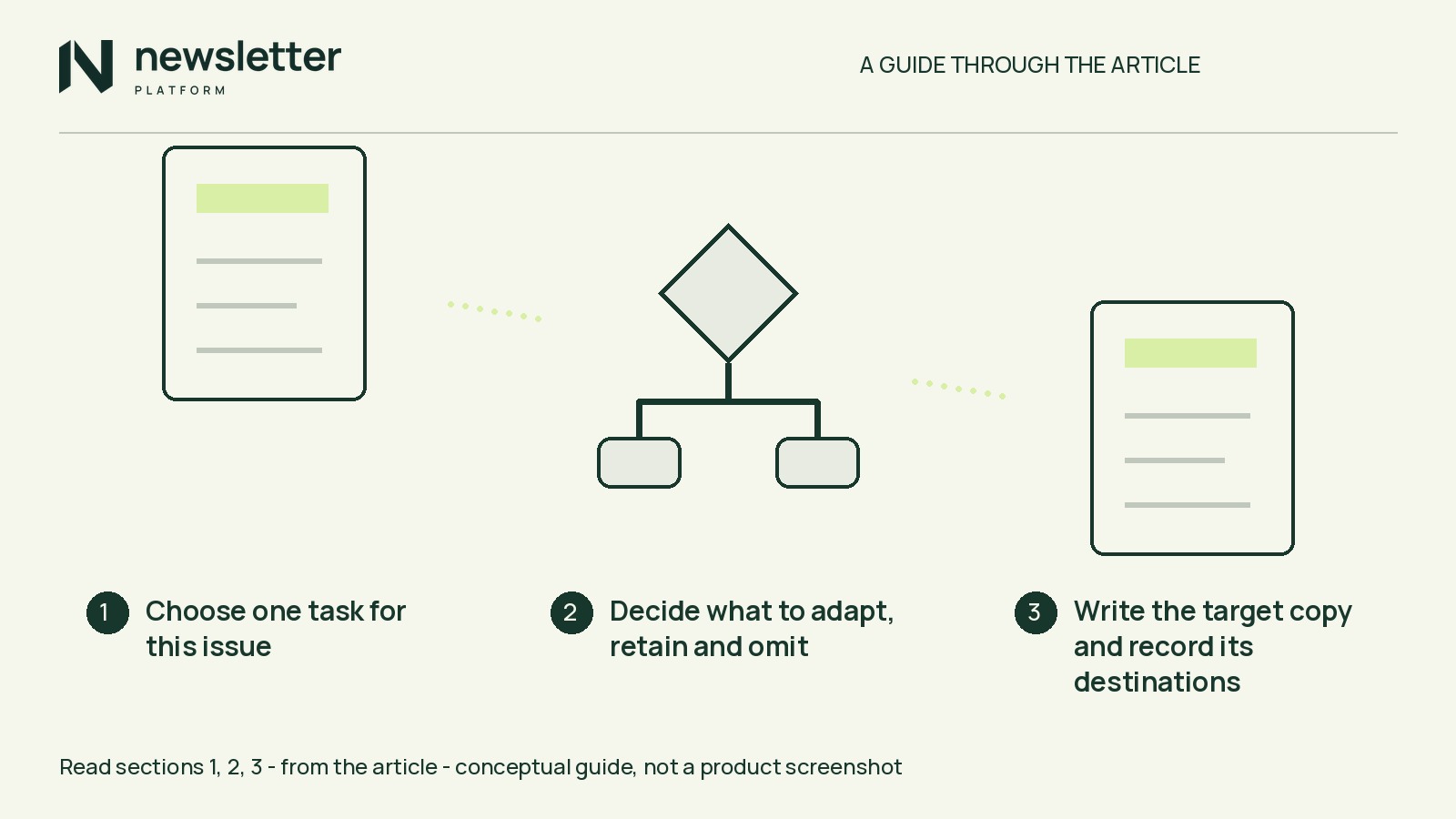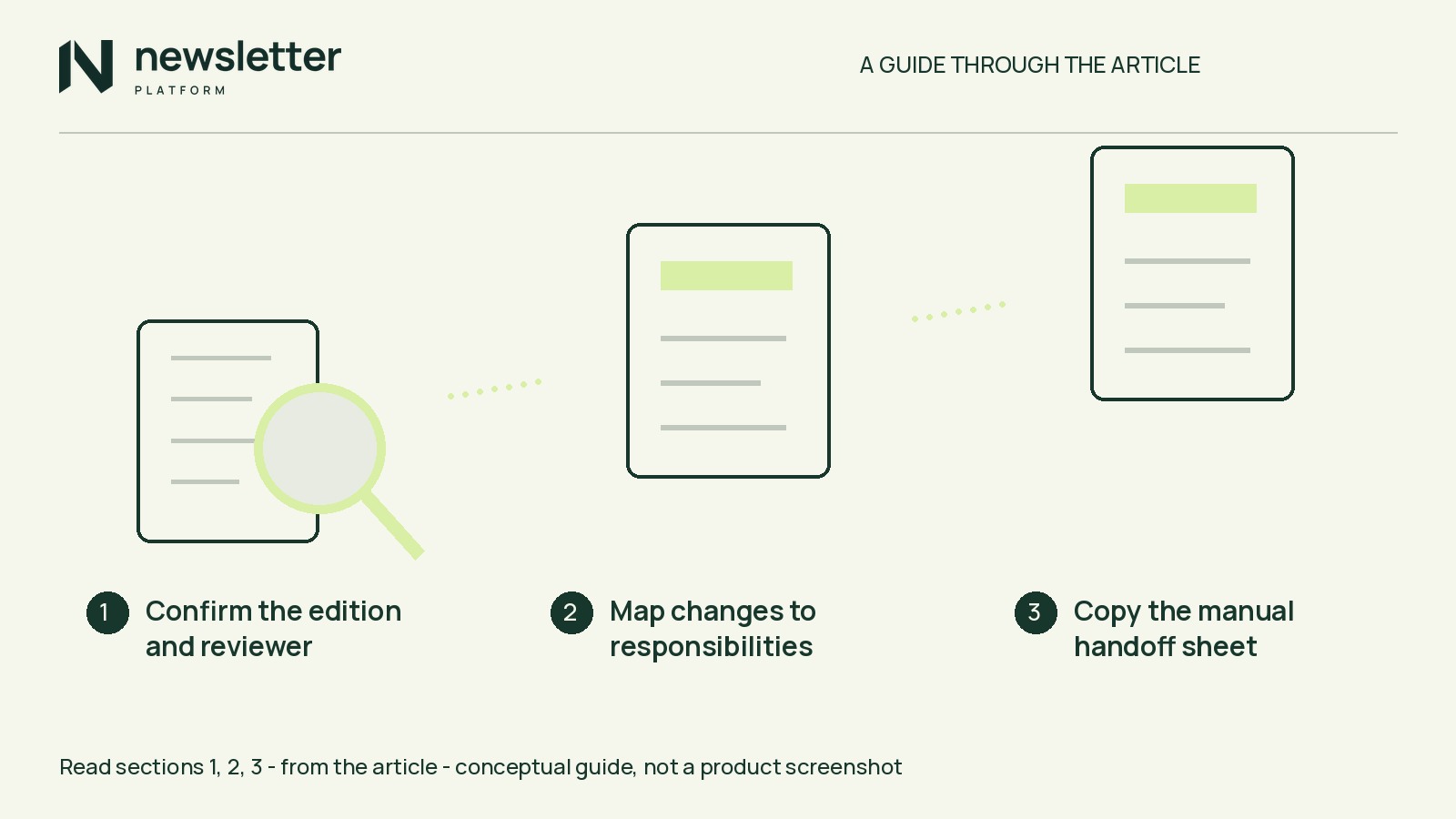
Do not reverse the redesign on click totals alone. Open one sent issue that links to the main advice and one that puts it in the email. Mark where each provides the steps needed for its promised task. Moving the answer can make a formerly essential click optional.
Fewer recorded requests prove neither that fewer people read the issue nor that the fuller email served them better.
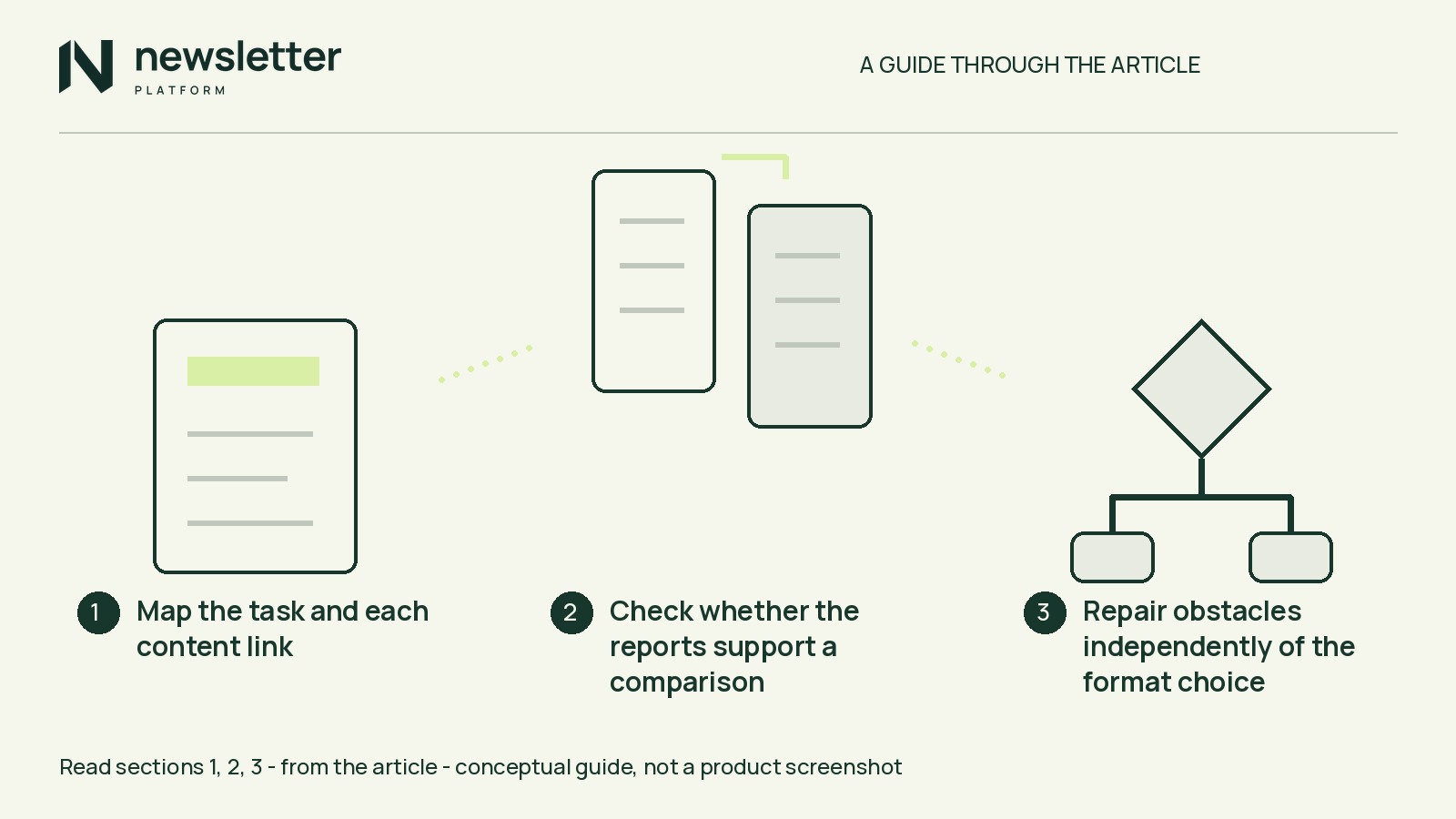
Map the task and each content link
Separate the subscriber’s task from your website-visit goal. “Choose a lead photo for a blog post” is a task; “encourage visits to our photography guide” is a publisher objective. Both can matter, but they require different evidence.
For each sent version, record its promise, where the essential steps appear, and each content link’s label and destination. Mark a link required if readers must follow it to get essential task material, or optional if it adds depth. Keep unsubscribe and preference links outside this analysis, not out of the email.
Here is a hypothetical before-and-after map. Assume the selection steps suffice for the task and annotated examples add depth.
- Before: Promise: learn to choose a lead photo. Essential steps: in the guide. Required link: “Read the photo-selection guide,” leading to the guide page. Optional content links: none.
- After: Promise: choose a lead photo using this email. Essential steps: in the email. Required content links: none. Optional link: “See annotated photo examples,” leading to the same guide page.
Check whether the reports support a comparison
Consult the report documentation and record:
- Event definition: Does the report count every recorded request, or group repeat requests under a stated rule (“deduplication”)? Check what “unique” means; neither label alone establishes how many people read the issue.
- Link scope: All links, content links or one guide link? Use a narrower breakdown only if available.
- Observation window: Compare the same elapsed period after each send, not an older issue’s accumulated total against a newer issue’s first day.
- Audience context: Record selected groups and recipient counts, noting differences. Selection is not proof of delivery.
- Rates: Check the denominator—the number used as the rate’s base, such as delivered messages. Do not substitute selected recipients for delivered messages.
If event definitions, link scope and elapsed periods match, describe the recorded difference alongside the audience context. If they do not, narrow or align the comparison where the reports allow. If that is not possible, keep the raw observations and mark the like-for-like comparison unresolved. Missing context stays unknown.
Even a well-documented comparison of successive issues is descriptive, not causal: topic, subject and timing may also differ.
Recorded link requests do not confirm website visits or task completion. If traffic drives the decision, review available site-visit data under its own definitions and limits; without it, leave visits unknown.
Repair obstacles independently of the format choice
Save a report snapshot before testing links, since your checks may be recorded. From a received copy in an inbox you control, follow every required route and check that it supplies the promised material.
For material promised as public, test while signed out of the destination site. For restricted material, use an authorized test account with the same access as intended readers, not administrator privileges. Look for unexpected login or payment requirements.
Read the fuller email for missing steps, references to absent content or unreadable instructions. Apply the same destination checks to optional links.
Record each defect. Fix the live destination or next draft as appropriate, then repeat the affected check. A successful check shows only what worked in that environment, not every reader’s experience or actual task completion.
Repairs can accompany either format choice; they do not automatically require a rollback.
Choose which goal the next format should serve
- Keep provisionally when the instructions fit completely in the email and website visits are secondary. Retain a useful optional link rather than requiring a click to obtain the promised answer.
- Revise when the task depends on substantial web material or website visits take priority for the next issue. Give the destination a useful purpose and clearly label what requires a visit.
A return to linked guides must still honor the signup promise. Do not advertise a complete in-email tip while withholding an essential step. Neither choice guarantees more visits or greater reader value.
If report context remains missing, make a provisional editorial decision—not a claim that the counts proved one format better.
Complete one decision note for the next issue
For the hypothetical photo example, assume guide-link request counts are available for both issues, with matching definitions, selected audiences and elapsed reporting windows. Assume a limited received-copy check found no obstacle, but no site-visit data or reader feedback is available.
- Knowns: The fuller issue recorded fewer requests to the guide. In the checked copy, all selection steps were present and the examples destination worked.
- Unknowns: Human readership, task completion, reader value, website visits and the redesign’s causal effect.
- Action and reason: Keep the complete tip and optional examples link for one more issue. Helping readers choose a photo inside the email takes priority; website visits are secondary. No repair is currently identified.
- Feedback question: “If you tried choosing a lead photo using this issue, what, if anything, made that task difficult? Reply only if you’d like.”
- Next check: Verify the selection steps and examples destination in a received test copy of the next draft before sending the issue. Investigate any reported obstacle before choosing the following issue’s format.
Include the question in the next regular, permission-based issue, using a reply address you monitor. Voluntary replies do not represent all subscribers; silence establishes neither satisfaction nor disinterest.
Before drafting your next issue, use your two sent emails to complete the task-and-link map and five-field decision note. Name the specific instruction or route you will recheck.