Build the issue around one reader task, not everything published recently. Newsletter Platform Pro provides recurring post digests that create drafts by default. Reconcile useful guidance with its correction and omit an invitation that is no longer actionable.
Prepare a target issue—the copy and links you want the newsletter to contain—before evaluating any plugin output. You can complete it without Pro access.
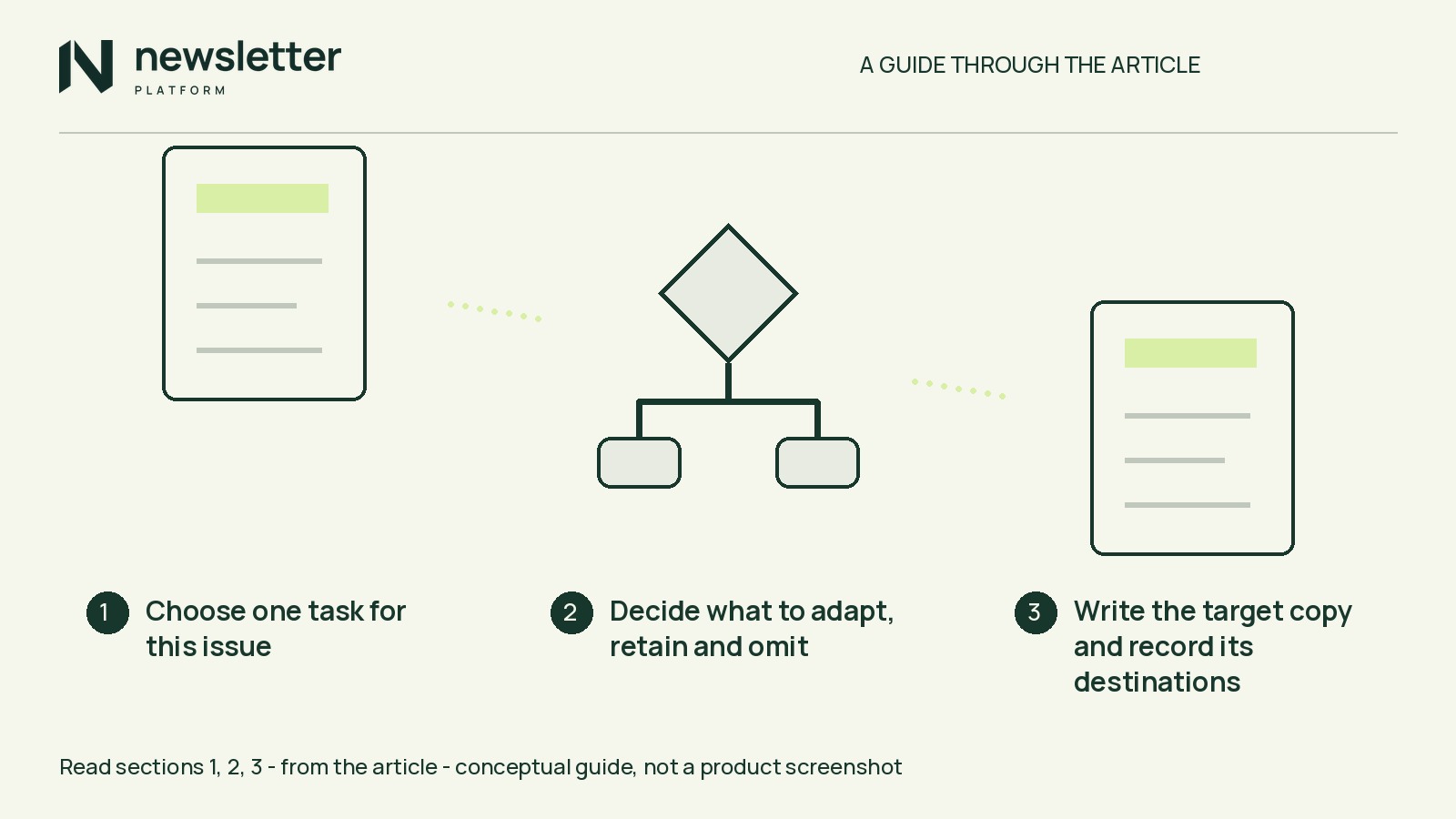
Choose one task for this issue
Everything in this example is hypothetical: the publisher, posts, changes and destination paths. It is not observed digest output.
A community book-swap publisher has an evergreen preparation guide, a follow-up correcting its drop-off instructions, and an invitation to a planning evening that has already ended.
Reader task: Prepare suitable books for donation using the current drop-off instructions.
That task—not publication date alone—determines what belongs.
Decide what to adapt, retain and omit
- Adapt the preparation guide. Its sorting and labelling advice still serves the task, but its instruction to leave donations at hall reception is obsolete. Keep the useful advice and replace that instruction in the newsletter.
- Retain the correction. In this fictional example, donations are now accepted only during staffed collection sessions. Put that rule beside the guide summary rather than leaving readers to reconcile separate teasers.
- Omit the expired invitation. The planning evening is over and, by assumption, its invitation offers no recording or other continuing resource. Leave its booking call to action out.
Reconcile the destination too. Manually correct or prominently annotate the guide’s obsolete instruction and link it to the correction. A corrected email can still mislead if its main link opens conflicting advice. If you cannot resolve that conflict, omit the guide.
Write the target copy and record its destinations
The bold resource labels below mark where source links belong. The paths are non-live placeholders. This copy assumes the guide is corrected and the follow-up lists the next staffed session’s time and location.
Hypothetical target issue
Subject: Prepare your swap books—and check the changed drop-off rule
Getting books ready for the community swap? Prepare books for the swap covers sorting and labelling, with the revised drop-off instructions included.
Please bring donations only during staffed collection sessions, not to hall reception. Read the collection update for the changed rule and the next collection time and location before you travel.
Destination record
- Prepare books for the swap: /guides/book-swap-preparation/ — the revised guide, with the obsolete instruction replaced or clearly corrected.
- Read the collection update: /updates/book-swap-collection/ — the follow-up with the changed rule and next collection time and location.
In a real version of this issue, manually confirm the collection time and location at the update URL. If either is unavailable or unconfirmed, mark it unresolved and narrow the promise to preparation, not a drop-off plan.
Build your real target
State your own issue’s reader task. List your actual candidate posts with a retain, adapt or omit decision and a reason tied to that task. Your post mix need not match this example.
Draft the subject and introduction, then record the actual source URLs. Open each retained destination manually: confirm that its advice agrees with the email, the promised information is present and time-sensitive details remain current. Resolve differences or narrow the copy before treating it as your comparison target.
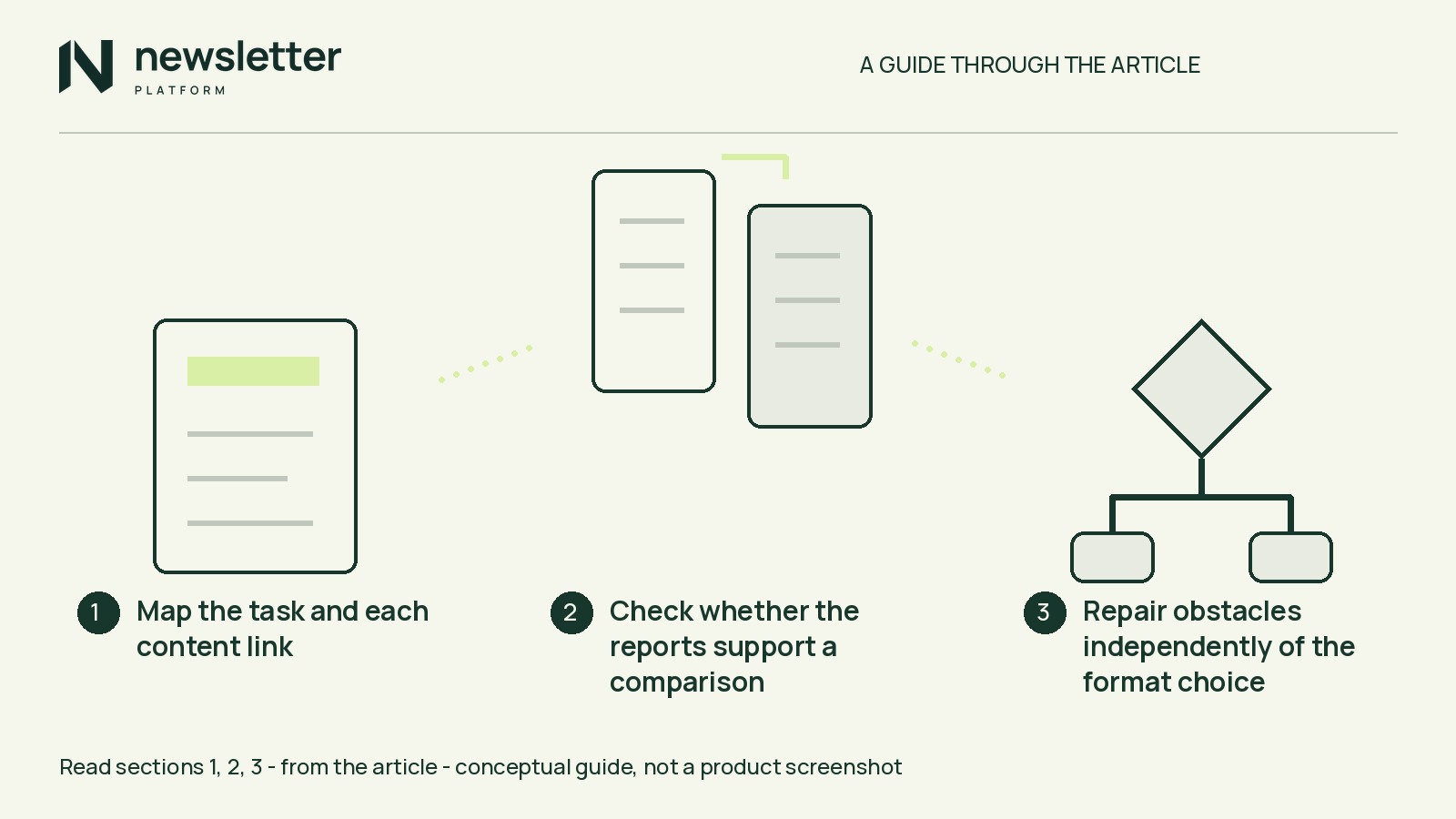
Compare one actual, unsent Pro draft
Without Pro access, finish your real target and record: “Target issue prepared; digest output and adjustment options unverified.” Then consider the manual route below.
Hands-on scope: The reviewed releases are native-account Free 1.0.0 and native-account Pro 1.0.0. Minimum requirements are WordPress 6.5 and PHP 8.0; Pro requires a compatible Free companion, version 1.0.0 or later. This scope does not establish a current WordPress.org package.
With compatible access, use the digest and review documentation to inspect one actual recurring digest draft. Keep it unsent and unscheduled. Optional automation is outside this exercise and requires the documented explicit review.
Compare it against your real target, recording:
- Whether each source in your target appears, including any necessary correction.
- Whether any excerpt or introductory copy preserves advice your target replaces.
- Whether omitted material or obsolete calls to action remain.
- Whether the subject, introduction and link destinations support your intended issue.
For each mismatch, record the change needed and whether documented operations let you resolve it. Do not assume particular post-selection controls.
Recurring draft creation does not establish automatic relevance ranking, correction merging, stale-post exclusion or link verification. Those judgments and checks remain manual here.
Choose the digest or an ordinary campaign
Continue with the digest workflow if the observed draft can be brought into line with your target using documented operations. Note the adaptations needed; one suitable draft does not establish how future issues will behave.
Choose an ordinary campaign if the digest cannot support the target or you prefer manual assembly. Newsletter Platform Free includes ordinary campaigns, a visual block editor and previews. Use the ordinary newsletter guide to assemble your copy, then inspect the preview and check links yourself. Drafting in a document and using an existing newsletter editor is also valid.
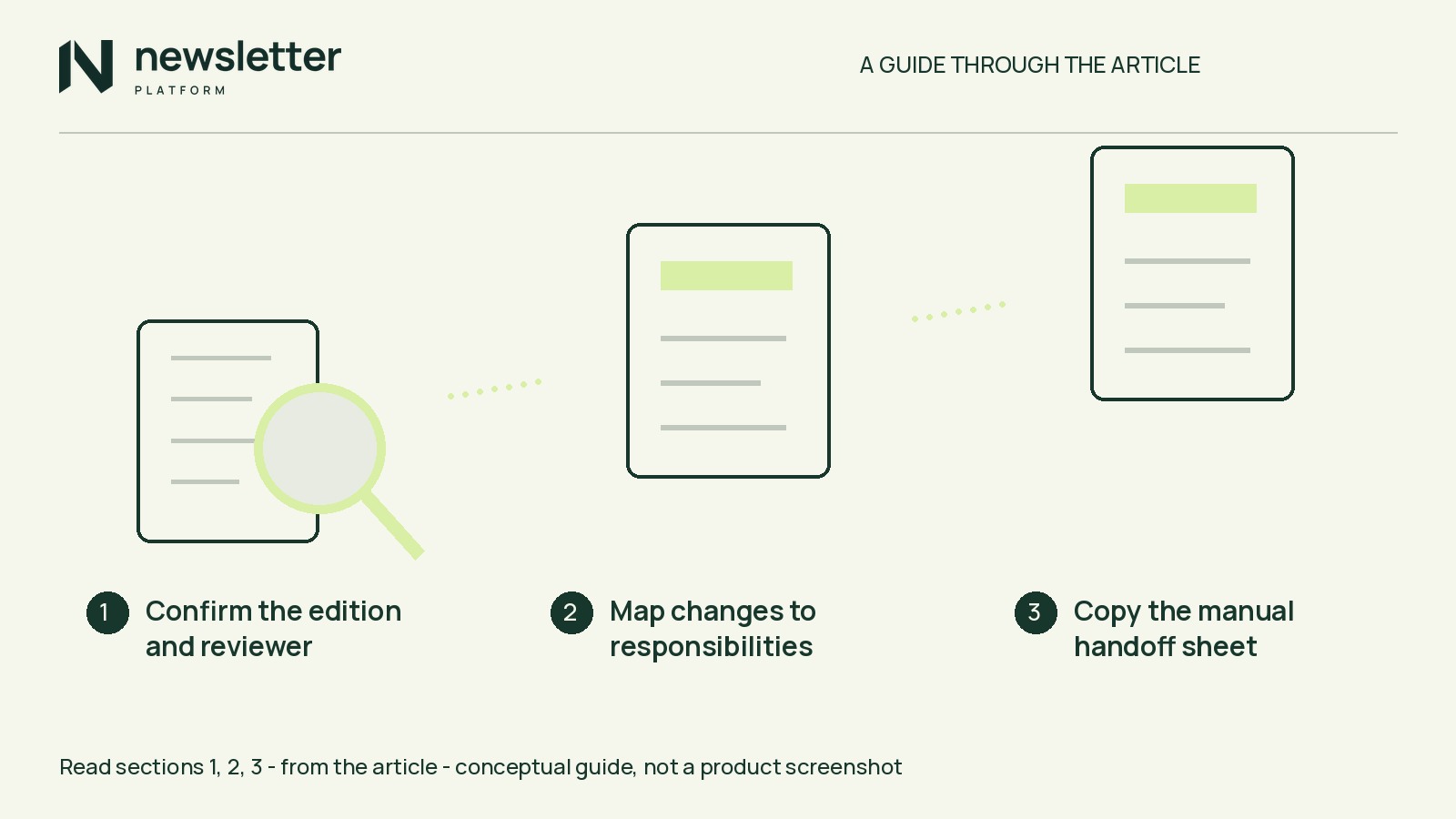
A prepared draft is not authorization to send. Before any later send, check sender configuration, permission, suppressions (sending blocks) and the selected audience, and complete any required review. For Pro campaigns with independent approval enabled, saved changes require fresh independent approval.
The plugin sends through your configured WordPress transport—the site’s mail-sending method. Preparation or scheduling is not proof of delivery.
Save your real target—reader task, post decisions, revised copy and checked URLs—with a note stating your chosen workflow or what remains unverified.