Use Newsletter Platform Free’s Send rehearsal count and sending controls to build a manual budget before relying on an offer deadline. If eligible recipients exceed that budget, hold and revise. A scheduled start does not establish completion or inbox arrival.
The hypothetical example below has 600 eligible recipients but only a 300-message planning budget. This worksheet helps you revise the plan; it is not a plugin forecasting feature.
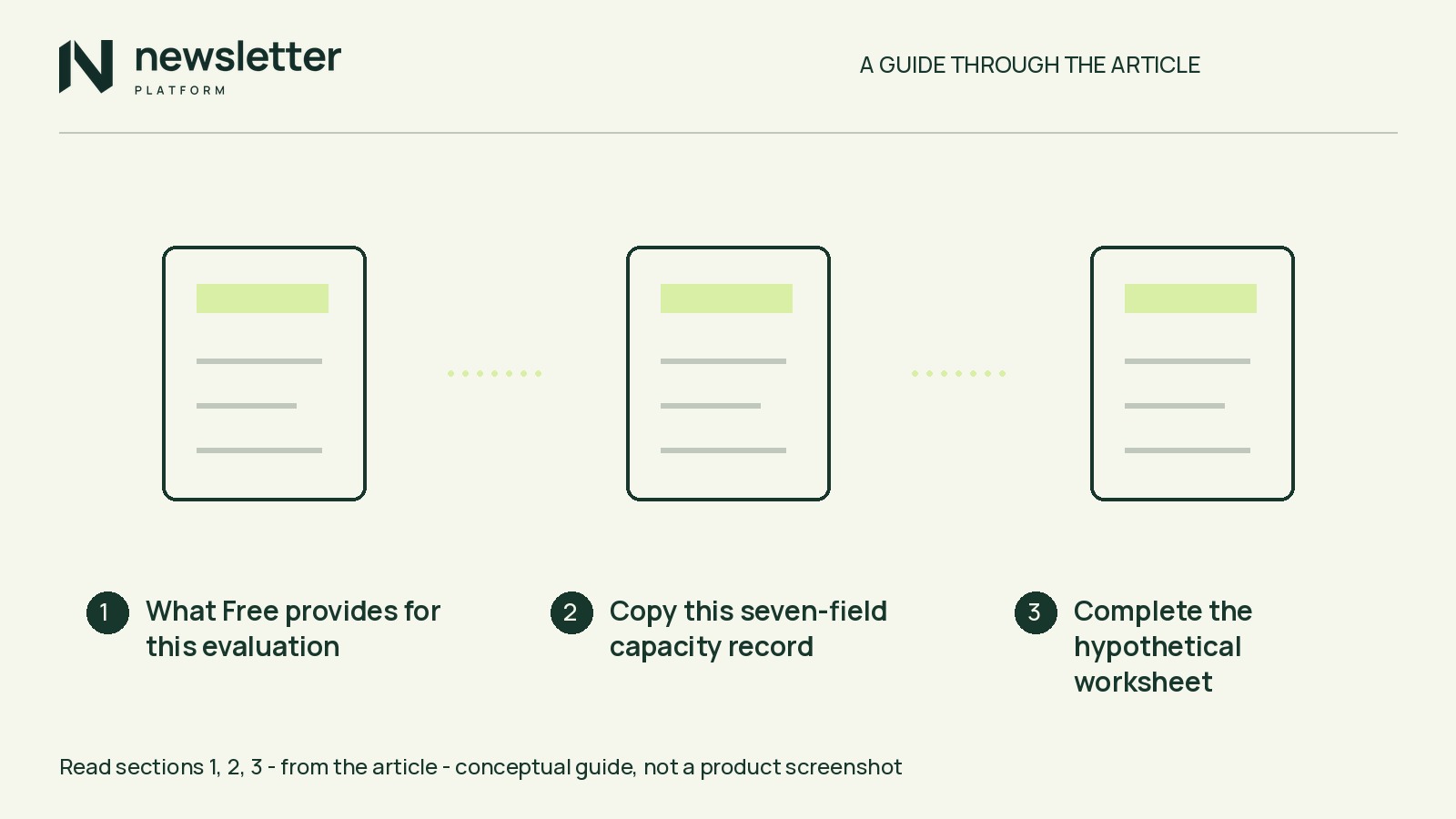
What Free provides for this evaluation
Free includes ordinary campaign scheduling, sender tests and audience rehearsal; Pro is not required. Rehearsal shows eligible readers, exclusions and setup issues, but sends nothing.
The current Free 0.1.0-beta.8 is an early-access release for staging evaluation. Back up your staging site and follow the installation guide. Declared minimums are WordPress 6.5 and PHP 8.0.
Prepare a saved draft, sender configuration, an owned test inbox and consenting test contacts. Send a test of the initial saved draft to your owned inbox; inspect the received email’s expiry wording, timezone and links. Keep live campaign sending disabled.
This worksheet also works on paper or in a spreadsheet alongside an existing sender.
Copy this seven-field capacity record
Mail uses your WordPress transport; no hosted sending allowance is included. Verify limits in your provider’s account information or documentation, and account for other campaigns and transactional mail.
Copy these fields into your notes. Mark each input checked, with its source and check time, or assumed.
- 1. Expiry, cutoff and timezone: Record the actual expiry, planning cutoff and scheduler’s displayed timezone. Convert times into one timezone.
- 2. Usable intervals: Note the proposed start and permitted sending window. Count only time before the cutoff; leave partial hours unbudgeted in this simple worksheet.
- 3. Eligible audience: Record the rehearsal count after reviewing consent, suppressed contacts and other exclusions.
- 4. Configured pace: Record the hourly setting. This is not a promised achieved rate.
- 5. Provider allowances: Record hourly and remaining daily/account limits, their reset times and what remains after competing mail.
- 6. Interval budgets: For each full hour, budget no more than the lower of configured pace and available provider allowance. Combined budgets must fit remaining daily/account allowances within each applicable limit period.
- 7. Balance: Add the interval budgets and compare with the eligible count. Record the shortfall, exact fit or headroom.
Complete the hypothetical worksheet
All inputs below are assumed, not checked store data or recommended settings. UTC is assumed to match the scheduler’s displayed timezone.
- 1. Expiry, cutoff and timezone: Same-day expiry at 18:00 UTC; planning cutoff at 17:00 UTC. The one-hour margin is illustrative.
- 2. Usable intervals: Start at 14:00, with a permitted window of 14:00–17:00. The slots are 14:00–15:00, 15:00–16:00 and 16:00–17:00.
- 3. Eligible audience: 600 recipients after a hypothetical rehearsal.
- 4. Configured pace: 100 messages per hour.
- 5. Provider allowances: Assume 150 messages per hour, with 50 per hour budgeted for other mail, leaving 100. Assume remaining daily/account allowances after other mail cover at least 700 campaign messages for every option below.
- 6. Interval budgets: 100 messages in each of three slots gives a total planning budget of 300 messages.
- 7. Balance: 600 eligible recipients exceed the 300-message budget by 300. The decision is hold and revise.
These hourly slots are planning assumptions, not documented queue execution behavior. The worksheet reserves no provider quota and does not automatically stop queued mail at its cutoff.
Compare three justified revisions
Keep the hypothetical 100-message hourly allowance for each alternative:
- If you can start earlier and expand the window: A 10:00 start with a 10:00–17:00 window gives seven slots and a 700-message budget, leaving 100 above the audience count. Required check: Verify provider allowances during the added hours. Changing the scheduled start alone does not expand the permitted window.
- If the actual offer can last longer: Move expiry to 18:00 the next day and the cutoff to 17:00 that day. A second usable 14:00–17:00 window gives six slots across two days and a 600-message budget—an exact fit with no spare allowance. Required check: Verify limits across both days and extend the actual offer, not just its email wording.
- If a smaller audience is genuinely relevant: Suppose the revised segment has 250 eligible recipients. The original 300-message budget leaves 50 above that count. Required check: Justify the segment through relevance and permission, then rerun rehearsal to establish its actual eligible count.
The earlier start preserves the 600-person audience and original deadline. Evaluate it only if the expanded window is acceptable and its provider allowances are verified. Otherwise, choose another justified revision or keep the plan on hold.
Recheck changes and record your decision
Repeat the checks affected by your revision:
- Draft or sender changes: Save and send a fresh test of the exact draft to your owned inbox. Inspect expiry wording, timezone and links.
- Extended offer: Update the actual offer terms and destination, then verify that the email agrees with them.
- Audience or sending-setting changes: Rerun rehearsal, review exclusions and rebuild the capacity record. Repeat rehearsal after relevant draft changes too.
- Queue oversight: Record a reviewer and a review time before the cutoff, with responsibility to pause sending if the plan is no longer sound.
Follow the review-and-send guide for the documented checks. A received test does not establish bulk throughput, and transport acceptance does not prove inbox delivery. The worksheet does not verify actual queue timing or provider availability throughout the window.
For your own plan, unverified inputs or a remaining deficit mean hold. A sufficient budget based on checked inputs means continue staging evaluation—not approval for live use or guaranteed receipt before expiry.
Finish your record with the decision, chosen revision and next verification action. For the earlier-start option, verify the usable 10:00–14:00 window and provider allowances before changing the staging schedule.